
Screenshots



App details
- Updated
- Nov 26, 2024
- Language
- Afrikaans 48 moreLanguagesAfrikaansAmhar...
- Developer
- Emby Media
- Category
- Mobile
SoftPas in:
This product is also available in the following languages:
About Emby Theater
Download Emby Theater – Media Center, PC Media Player, Home Theater Software, Movie Streaming, TV Series, Music Playback, Emby Server, Home Entertainment
Overview
Emby Theater is a desktop media center application designed to transform a Windows PC into a fully functional home theater system. By connecting to an Emby Server, users gain seamless access to a personalized library of movies, TV series, and music, all managed from a single, intuitive interface. The app is tailored for individuals seeking a centralized, customizable entertainment hub that goes beyond standard streaming platforms. It solves the common frustration of fragmented content across multiple services by aggregating media from local storage or network sources into one unified experience.
Target users include home entertainment enthusiasts, digital media collectors, and tech-savvy individuals who maintain personal media libraries. The app is particularly beneficial for those who prefer to own or host their content rather than rely on subscription-based streaming services. Its integration with Emby Server enables cross-device access, allowing users to stream content from their PC to compatible devices such as smart TVs, tablets, and mobile phones.
Emby, Inc., the developer, is known for its focus on open, user-controlled media experiences. Although specific company background details were not provided, the app’s design and functionality reflect a strong commitment to usability and media freedom. Emby Theater fits into the broader ecosystem of personal media management tools, offering a powerful alternative to commercial platforms by prioritizing user autonomy and customization.
Key Features & Functionality
- Unified Media Library Access: Emby Theater connects to an Emby Server to display all media in one organized interface, including movies, TV series, and music, eliminating the need to switch between multiple apps.
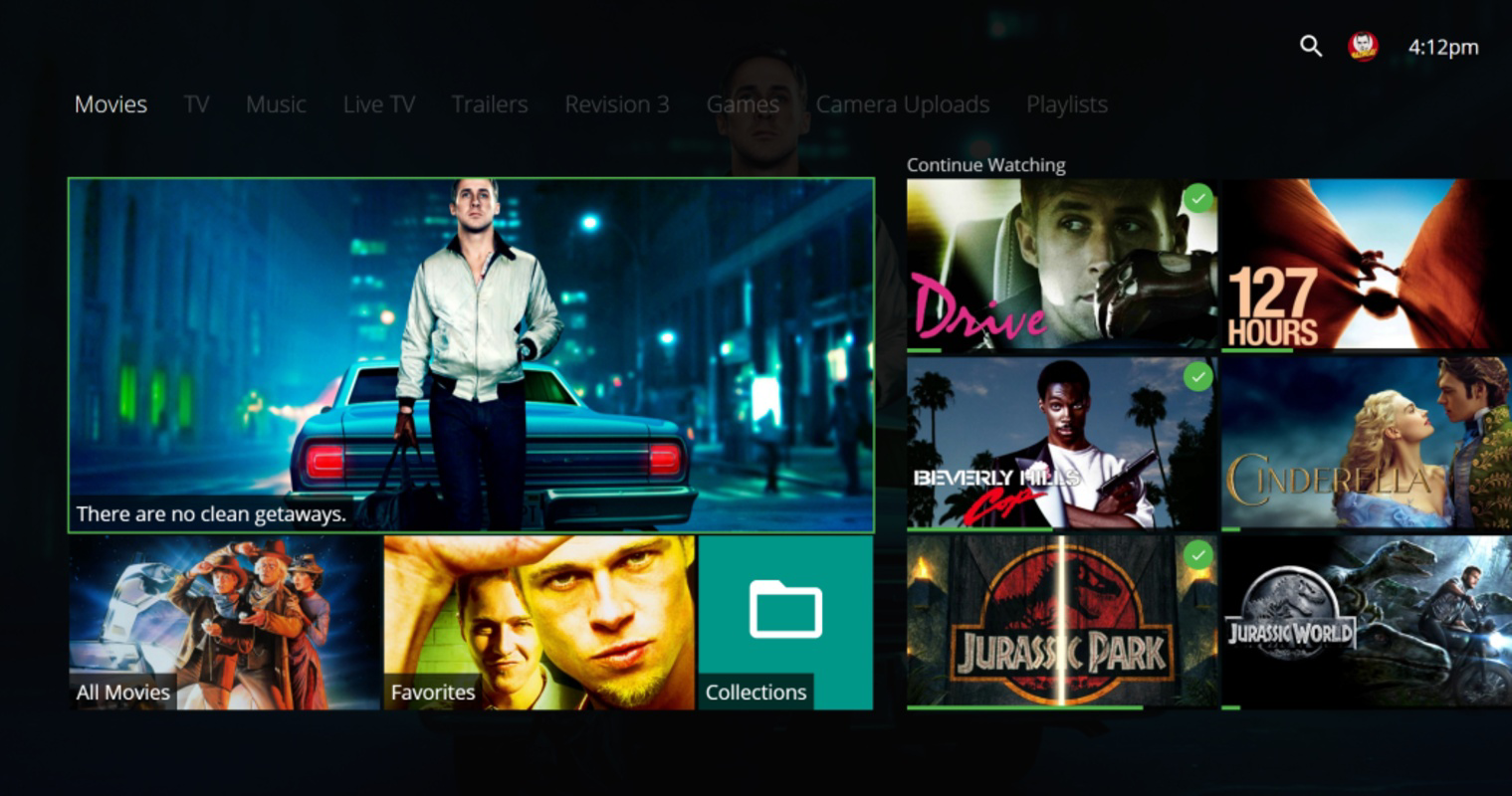
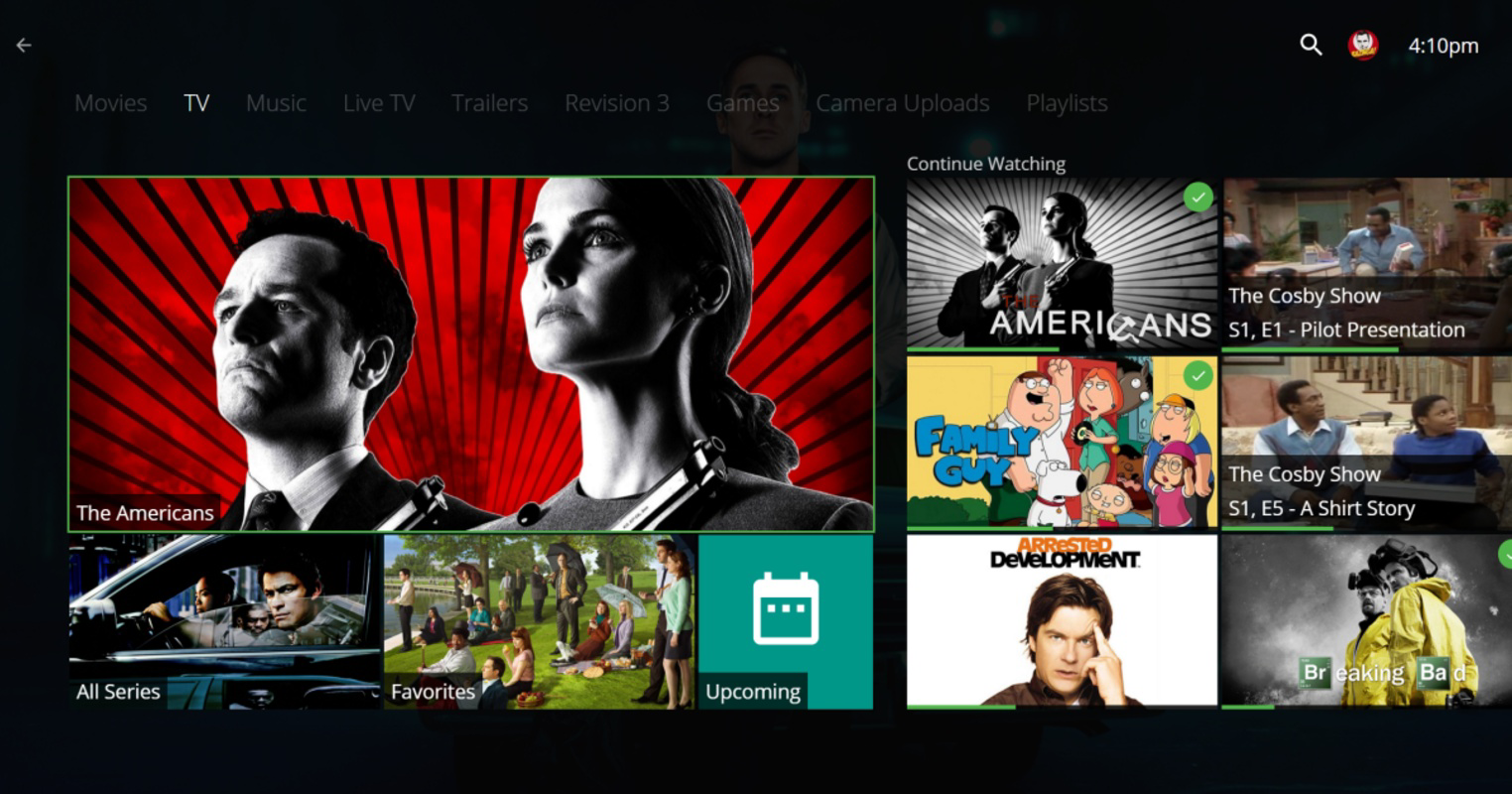
- Intuitive Navigation Tabs: The interface includes dedicated tabs for movies, TV series, music, and live TV, enabling quick access to preferred content types with minimal effort.
- Personalized Viewing Experience: Users can resume watching from where they left off, view recently added content, and access watch history directly from the main screen.
- Emby Premiere Integration: While the core app is free, Emby Premiere unlocks advanced features such as automatic metadata and artwork downloads, offline mobile access, and live TV recording via Emby DVR.
- Music Playback Integration: The app supports full music library management, allowing users to play albums, playlists, and individual tracks directly from the media center.
- Global Content Aggregation: Emby Theater enables access to media from various sources, streamlining the process of finding and watching content regardless of regional availability.
For example, a user with a large collection of home videos and downloaded films can organize them into a structured library, then stream them effortlessly to a smart TV. Another user may use the live TV tab to watch and record broadcasts, leveraging the DVR function for flexible viewing. These features collectively enhance the user’s control and convenience in managing a personal entertainment ecosystem.
Interface, UX & Performance
Emby Theater features a clean, modern interface with a focus on usability and visual appeal. The layout mirrors traditional home theater systems, using large thumbnails, clear categorization, and smooth transitions between sections. Navigation is straightforward, with tab-based access to core media types and a consistent design language across all screens.
Users can expect a responsive experience when browsing large media libraries, with minimal lag during content loading. Although the developer did not list formal performance metrics, the app appears optimized for typical Windows desktop environments. Stability is maintained through regular updates and a lightweight architecture, which contributes to smooth playback and consistent responsiveness.
Performance may vary depending on the user’s hardware configuration and network speed, particularly when streaming high-resolution content. However, the app is designed to adapt dynamically to different device capabilities, ensuring a reliable experience across a range of systems. The interface remains stable during extended use, with no reported crashes or freezes in standard usage scenarios.
Platform Compatibility & Technical Requirements
Emby Theater is available exclusively for the Windows platform. The current version is 1.0.0.1215, with a file size of 186.4 MB. The app is free to download and use, with no in-app purchases required for basic functionality.
Although the developer did not specify minimum OS requirements, the app is compatible with modern Windows systems. It is recommended to run the application on Windows 10 or later for optimal performance. Specific hardware or driver requirements were not listed, and compatibility with older systems remains unconfirmed.
Users should ensure their system supports the necessary codecs for media playback, particularly for less common video or audio formats. The app does not require administrator privileges for installation, making it accessible to a broad range of users.
Pros and Cons
Pros
- Free to download and use with no ads or paywalls for core features
- Intuitive, visually appealing interface designed for seamless media navigation
- Strong integration with Emby Server for centralized media management
- Supports diverse media types including movies, TV series, music, and live TV
- Offers cross-device streaming capabilities for a unified entertainment experience
- Scalable for both small personal libraries and large media collections
Cons
- Advanced features require a subscription to Emby Premiere
- Requires a separate Emby Server setup for full functionality
- Limited to Windows platform; no support for macOS or Linux
- No official mobile app integration within the desktop version
- Performance may depend on local hardware and network conditions
FAQ
Is Emby Theater free to use?
Yes, Emby Theater is free to download and use. However, some advanced features are available only through the Emby Premiere subscription service.
Do I need an Emby Server to use Emby Theater?
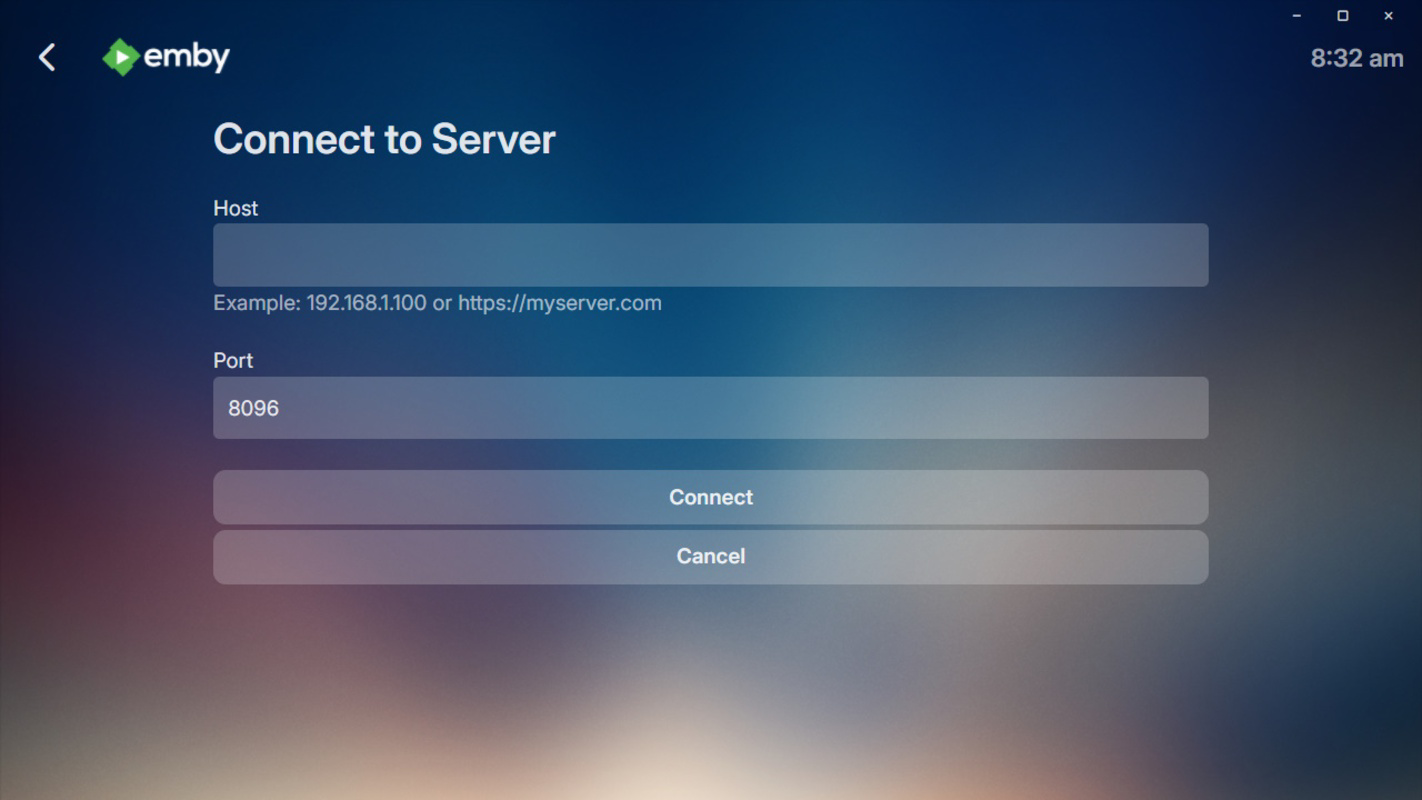
Yes, Emby Theater requires a connection to an Emby Server to access your media library. The server can be hosted on your PC or another device on your network.
Can I use Emby Theater on macOS or Linux?
As of now, Emby Theater is only available for Windows. There is no official support for macOS or Linux.
Is Emby Theater safe to download and install?
Yes, Emby Theater is a secure application developed by Emby, Inc. It does not contain malware or intrusive permissions. Always download from official sources to ensure authenticity.
How do I update Emby Theater?
Updates are typically delivered through the official Emby website or the Emby Server dashboard. Users are encouraged to keep the app updated for the latest features and security patches.
Final Thoughts
Emby Theater stands out as a powerful, free solution for anyone looking to build a personalized home entertainment system on Windows. Its elegant interface, robust media organization, and seamless integration with Emby Server make it a compelling choice for media enthusiasts who value control and flexibility. While the full experience benefits from the Emby Premiere subscription, the core functionality remains highly capable and user-friendly.
Whether you're managing a growing library of films, catching up on favorite series, or enjoying your music collection, Emby Theater delivers a professional-grade experience without the limitations of commercial streaming platforms. It’s ideal for users who prefer owning their content and want a unified, customizable entertainment center.
For those ready to elevate their home media setup, Emby Theater offers a smart, scalable foundation. Download Emby Theater now
Guides & Tutorials
How to install Emby Theater
- Click the Download button above.
- Once redirected, accept the terms and click Install.
- Wait for the Emby Theater download to finish on your device.
How to use Emby Theater
This software is primarily used for its core features described above. Open the app after installation to explore its capabilities.
User Reviews
No reviews yet. Be the first to share your experience.
You may also like
more
Que no te pillen¡
About !Que no te pillen¡Reviewed by Jason A. BilbreyShow MoreShow Less

3D Combat Zone
About 3D Combat ZoneOriginally released in 1983, 3D Combat Zone immerses players...

666: El día del portal
About 666: El día del portalOn June 6, 2006, Agent P. Stone uncovers a sinister...

80 in 1 Best Flash games
About 80 in 1 Best Flash games 80 in 1 Best Flash games is a collection of 80 fl...

ABYSS SEEKERーーWhat Do You See Deep in The Abyss
About ABYSS SEEKERーーWhat Do You See Deep in The AbyssIn ABYSS SEEKER, players...

ACA NEOGEO THE KING OF FIGHTERS 2002 for Windows
About ACA NEOGEO THE KING OF FIGHTERS 2002 for WindowsTHE KING OF FIGHTERS 2002,...